Top 5 Features Every Appointment Reminder Software Should Have
Here is a guide to the top 5 must-have features in appointment reminder software: timezone management, two-way communication, personalization, security & multi-event support.
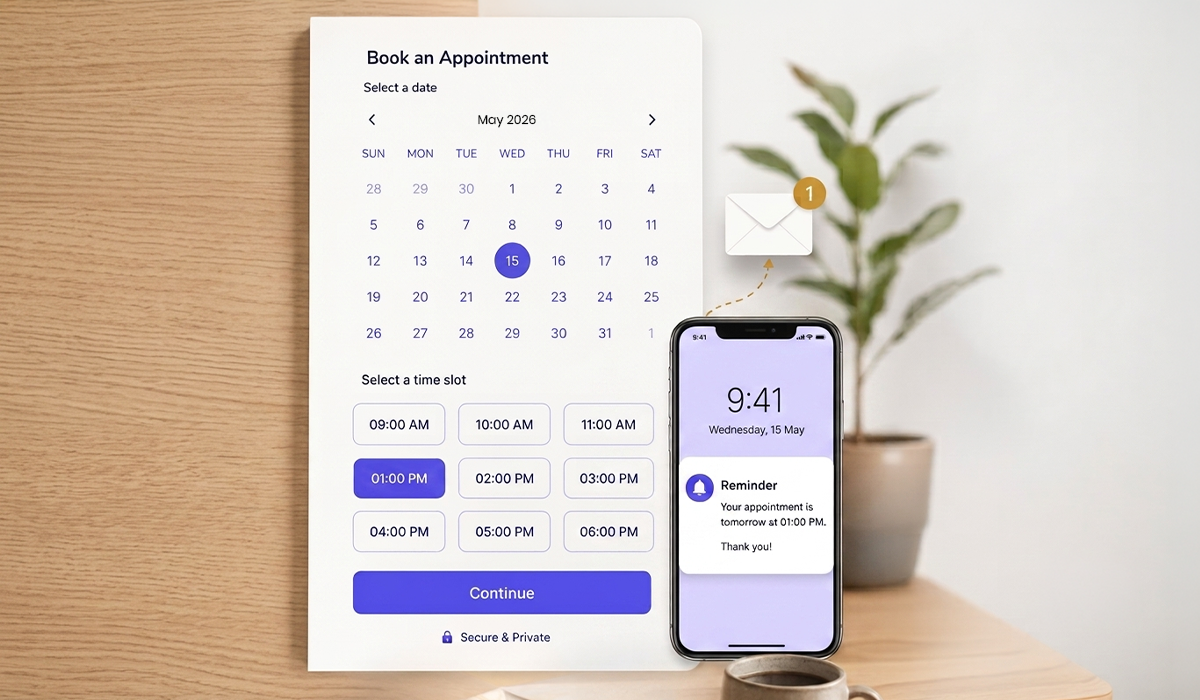
Appointment reminders aren't just tools that notify you; they also make your operations and client dealings more efficient. As your business expands, there are certain aspects that you would expect from your appointment reminders software to cover.
Considering those aspects, we have prepared an extensive list of features that should be on your checklist while choosing your next tool.
1. Timezone Management
As a business that is dealing with a multitude of clients spread across the globe. Under such circumstances, the last thing you would want is to get entangled with time zones.
While choosing your next automated appointment reminder tool, ensure that the system has automated timezone detection. This reduces the chances of error, as both the client and staff don't really have to get confused with the timezone and manually manage the appointment schedule.
Moreover, it benefits:
● Both the clients and businesses will get the invite timings based on their local time, which would avoid confusion.
● Reduces manual intervention.
● Eliminates no-shows
2. Two-Way Communication
The first half of the deal is to send a reminder. The second (and for most companies, the more operationally useful) half is knowing whether the client has seen it and whether they will attend.
One-way reminder system notifies clients about appointments. A two-way system provides actionable intelligence to the business: who has confirmed, who has yet to respond, who should reschedule, and which slots are truly at risk.
If a session is cancelled, and it is known in advance, chances are the slot will be filled. Otherwise, it has no effect whatsoever.
Some noticeable benefits include:
● Clear communication between the administrator and client.
● Reduces no-shows.
● Less burden on keeping up with the client.
3. Personalization
There are two different uses of personalization in appointment reminders. First, it removes confusion when clients are dealing with many service providers; they require a certain level of clarity in a reminder; otherwise, they need to check their calendar to make sure they are not getting confused.
Secondly, it shows professionalism; a good, detailed reminder may give a sense of professionalism, while a vague or flaky reminder will be a silent confidence booster.
Look for reminder software that supports:
● Automatic filling of the client's name, appointment type, date, time, provider name, location, or video link, and any necessary preparation notes.
● Customizable message templates, allowing you to write and have your own reminder language instead of being stuck with the default that the platform is using.
● Branded communication: email reminders should be consistent with the business name, logo, and tone of voice, as is used throughout the business.
4. Data Compliance and Security
A good appointment reminder software should ensure the security of such private data of the customers and should also adhere to industry regulations as well as privacy standards.
From healthcare to legal firms, financial consultants to service providers, data security is essential to establishing customer confidence and protecting your reputation.
The security measures provided by the automated appointment reminder solution are crucial, as they help you reduce vulnerabilities before you invest in such a system.
Some of the security features that the automated appointment reminder solution provides are very important to consider because they help reduce vulnerabilities before you invest in such a solution.
The following are some key security aspects to keep in mind:
● Reminder communication and customer data end-to-end encrypted.
● Don't risk a loss of information because of a cloud backup.
● Employee and administrator access permissions based on roles.
● Compliance with relevant privacy regulations such as GDPR or HIPAA (where applicable) or local data protection laws.
5. Multiple Event Types
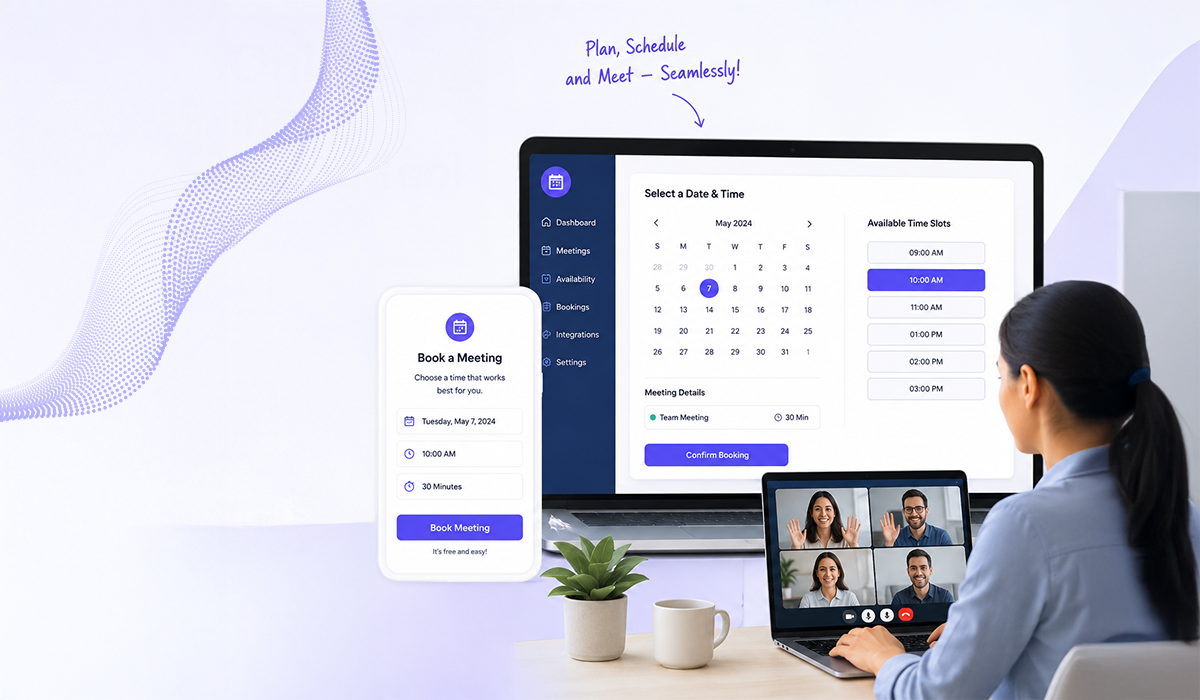
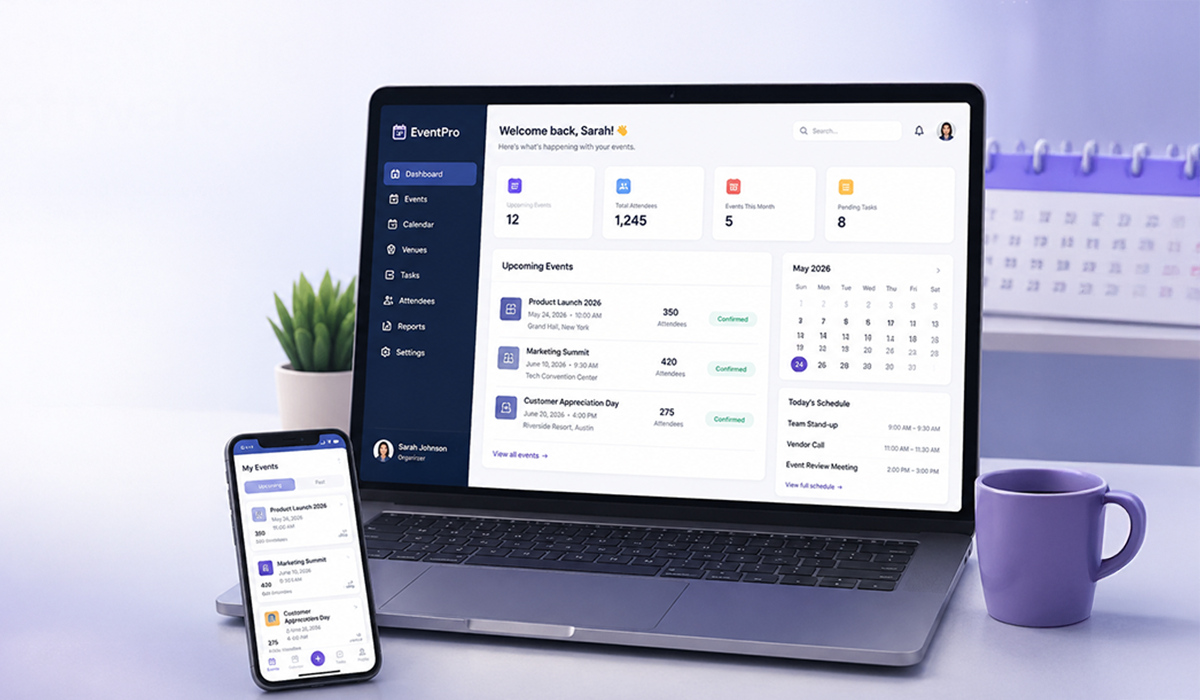
Look for a platform that supports various types of events, including one-on-one, group meetings, and round robin. All your meetings can be managed from a single dashboard, in any format, on one platform, and the right reminders are sent automatically to all participants.
This facilitates more flexible meeting options, and when you own a large team, the allocation of appointments becomes much more easier.
Final Words
The combination of all these 5 features is what makes the appointment reminders software compelling and befitting for today’s operations. If you keep this checklist with you, it becomes quite easy to find your best options in the market.
Knot offers one of the simplest UI with the most robust features at the same time that caters to the event management needs of small business to way up to large enterprises.
From timezone management to multiple event creation, Knot holds the capability to equip businesses with future-proof client management.
Start your free trial today
No credit card required. Set up your booking page in minutes and start taking appointments.
Helpful answers
Frequently Asked Questions
Quick answers related to this article — tap a question to expand.
4
Questions